
Computing & Technology
Quick Links
Get online IT help or view other MSMU technology resources/filters:format(webp)/prod01/channel_18/media/website/libraries/20200129_Davis_MSMU_1676-header.jpg)
Borrow a Laptop
Tech LendingWould you like to borrow a laptop for one, three, or seven days to complete an assignment? Or are you curious about borrowing a semester long laptop?
Learn moreLibrary Database Access
Network Access Off-Campus
MSMU Students, Faculty, and Staff
To access databases off-campus, library users must sign in with their Mount credentials.
Wireless Access
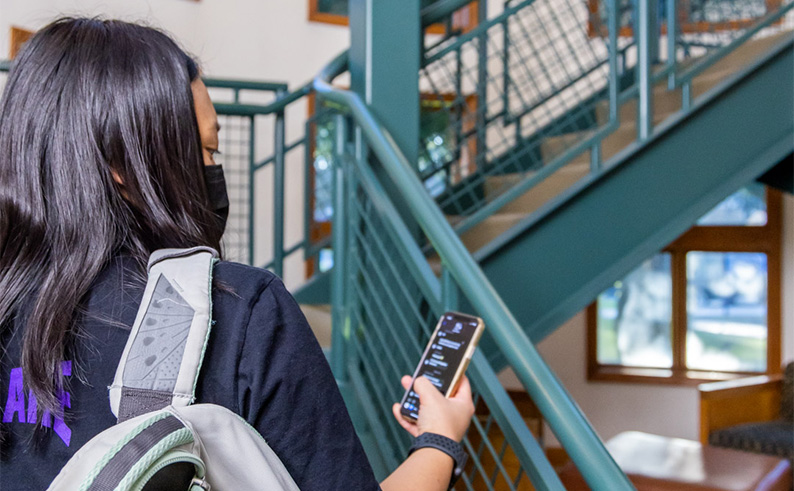
Wifi On-Campus
MSMU Students, Faculty, and Staff
Use your Mount credentials to log-in to any MSMU computer or register your personal device on the MSMU Wireless network.
Alums & Visitors
Eduroam and sponsored Guest Wifi Access are available.
Visit the Circulation Desk at either campus for more details or visit: Information Technology Resources
Application Software
Software Available in the Library Computer Labs:
- Microsoft Office Suite
- Adobe Creative Cloud
- Adobe Acrobat Pro
- Browsers (Chrome, Firefox, Microsoft Edge)
- Zotero (citation management software)
- Zoom (conferencing software)
- SPSS (IBM - statistical analysis)
- ArcGIS (2013 Business Analyst icon)
- Google Earth Pro
Computer labs
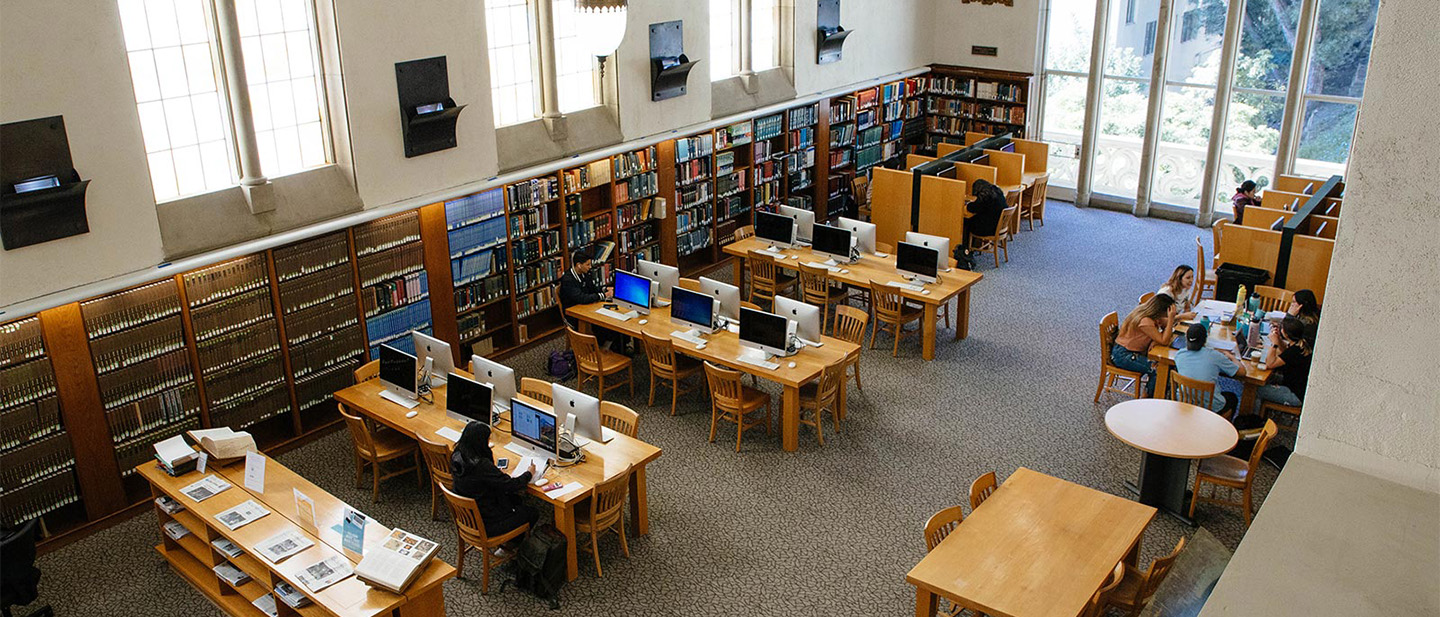
MSMU Media Centers
IT Help In-Person Media and Desktop Services
- Wifi issues
- Password issues
- Student Account issues
- Printing how-to
- Classroom AV assistance
Media Center Hours and Locations
Chalon Campus
Coe Library (2nd Floor)
Hours:
Monday - Thursday: 7 a.m. - 7 p.m.
Friday: 7 a.m. - 3:30 p.m.
Saturday: 8 a.m. - 12 p.m.
Sunday: Closed
-.jpg)
Doheny Campus
Building 3, Room B104
(across from the McCarthy Library entrance)
Hours:
Monday - Thursday: 8 a.m. - 7 p.m.
Friday: 8 a.m. - 3:30 p.m.
Weekend-Graduate Weekends Only: 7:30 a.m. - 4 p.m.
Weekends (1-Unit courses): 8 a.m. - 12 p.m.